
Growth
6 min read
December 5, 2024
Icon Lab Team
A/B Testing Your App Icons to Maximize Conversions
The right app icon can increase click-through rates by 30%. Discover how to run effective A/B tests with AI-generated variations.
A/B testing your app icon is one of the highest-ROI experiments you can run. A few percentage points of improvement in your App Store click-through rate can translate to thousands of additional downloads per month — without spending more on ads.
The Math
Example scenario: 10,000 monthly impressions
5%
Current CTR = 500 downloads
6.5%
After test = 650 downloads (+30%)
For a $2.99 paid app, that's +$447/month from one icon change.
What to Test
1
Background Color — Does blue outperform green? Does contrast with the category matter?
2
Subject vs. Abstract — Does a mascot outperform a geometric symbol?
3
Complexity Level — Minimal vs. detailed — different audiences have strong preferences.
4
Art Style — 3D vs. flat vs. pixel art. Test across different demographics.
5
Seasonal Variations — Holiday themes can temporarily boost CTR by 10–20%.
How to Set Up a Test
- Generate your variations — Use Icon Lab AI to create 3–5 concepts in minutes.
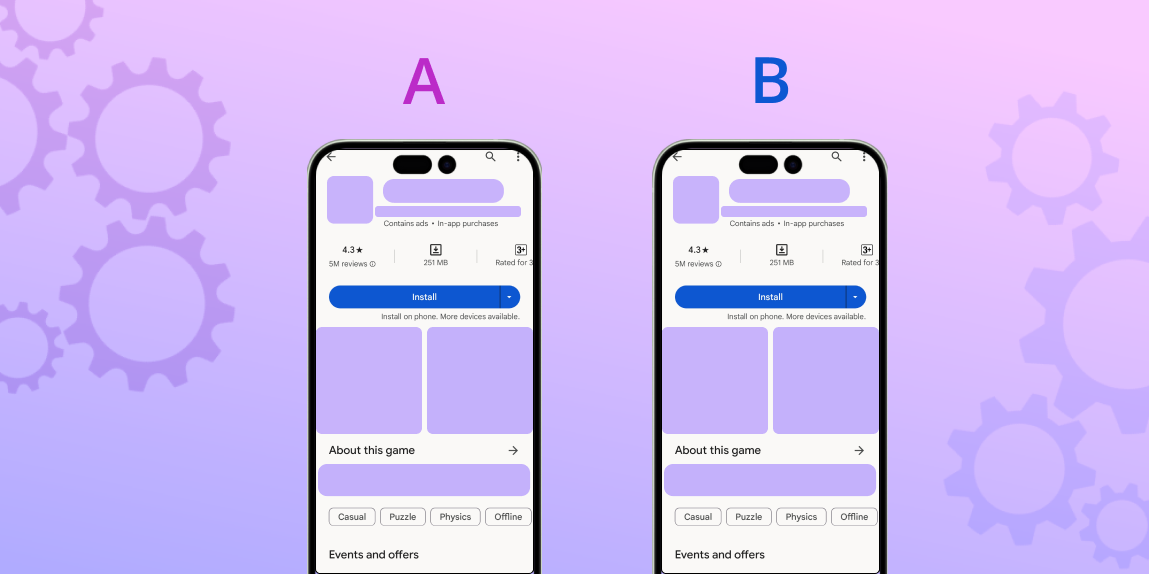
- Use platform tools — Apple App Store (Product Page Optimization) and Google Play (Store Listing Experiments) both offer built-in A/B testing.
- Run for significance — Need at least 1,000+ impressions per variation, ideally 5,000+.
- Test one variable at a time — Otherwise you won't know what drove the result.
- Document everything — Build institutional knowledge across test cycles.